
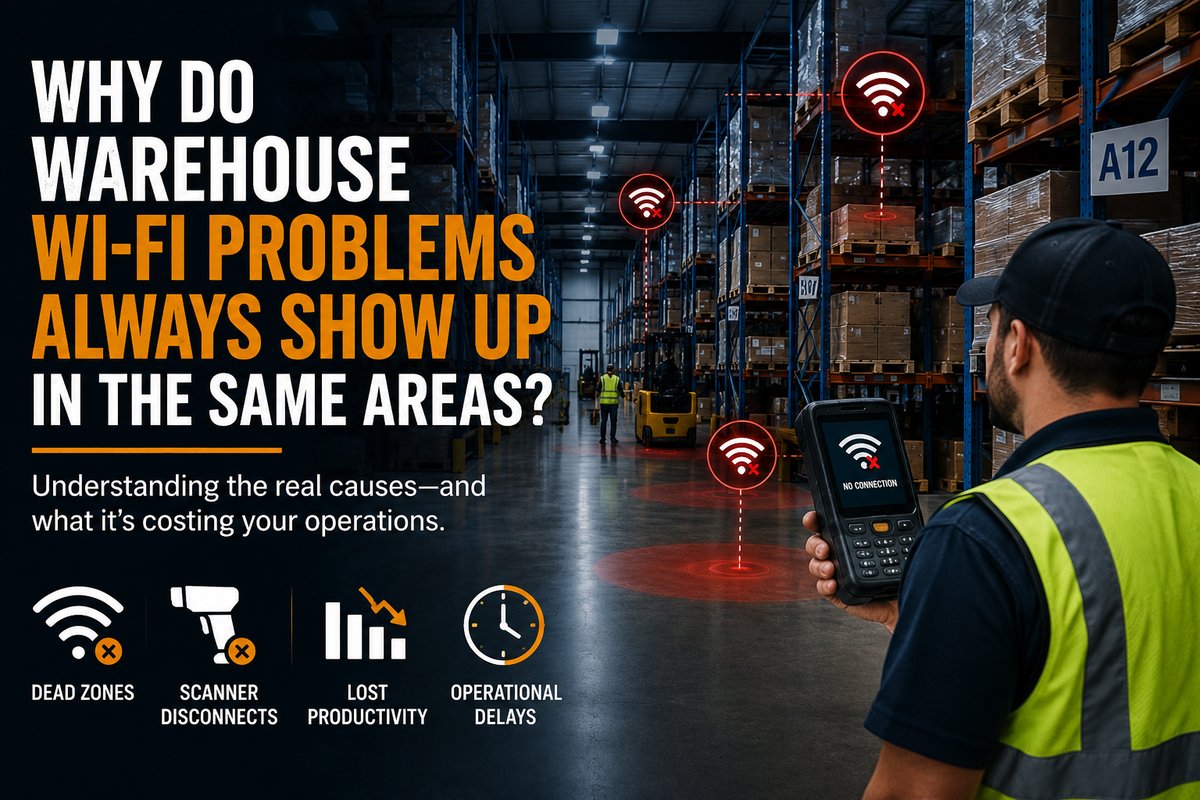
If the Problem Keeps Happening in the Same Spot, It Probably Isn't the Scanner
Every warehouse has that area.
You know the one.
It's the aisle where scanners constantly disconnect. The corner where employees complain they can't stay connected. The receiving area where inventory updates lag behind. The location where someone inevitably says, "The Wi-Fi is acting up again."
At first, most warehouse leaders assume it's a device problem.
Maybe the scanner is old.
Maybe the employee is doing something wrong.
Maybe it's just one of those random technology issues.
But when the same problem keeps showing up in the same location, day after day and week after week, the issue is rarely random.
In most cases, your warehouse is trying to tell you something.
Warehouse Wi-Fi Is More Complicated Than Office Wi-Fi
Many business owners assume Wi-Fi should work the same way everywhere.
After all, if wireless coverage works in an office, why wouldn't it work in a warehouse?
The answer is simple.
Warehouses are one of the most difficult wireless environments to support.
Unlike an office with drywall and cubicles, warehouses are filled with metal racks, palletized inventory, forklifts, machinery, shipping equipment, and constantly changing layouts. Every one of those elements can interfere with wireless signals.
Even a warehouse that had excellent coverage three years ago may develop connectivity problems as inventory levels, storage configurations, and operational demands change.
That's why warehouse Wi-Fi problems often appear in very specific locations rather than throughout the entire facility.
The Hidden Impact of Metal Shelving
One of the biggest causes of warehouse Wi-Fi issues is something most people never think about.
Metal.
Warehouse shelving acts like a giant obstacle course for wireless signals.
As inventory levels fluctuate throughout the year, the environment changes as well. A location that had strong coverage six months ago may suddenly become a weak spot because inventory density has increased or storage patterns have changed.
This is one reason employees often report that connectivity issues seem to come and go.
The problem isn't always the network itself.
Sometimes the physical environment has changed around it.
Growth Creates New Wireless Challenges
Many warehouses don't experience serious Wi-Fi problems until they begin growing.
At first, the network supports a handful of scanners and workstations without issue.
Then more devices get added.
Additional scanners.
More printers.
More tablets.
Security cameras.
Inventory systems.
VoIP phones.
Cloud applications.
Suddenly the network is supporting significantly more traffic than it was originally designed for.
The result isn't always a complete outage.
More often, employees experience slower connections, delayed responses, and intermittent disconnects that seem difficult to explain.
Those small frustrations accumulate into larger productivity problems over time.
Why the Same Employees Keep Complaining
One of the biggest clues that you have a coverage issue is when the same departments continue reporting the same problems.
Receiving complains.
Shipping complains.
Inventory control complains.
Meanwhile, management walks through the warehouse with a laptop and everything appears fine.
The reason is simple.
Warehouse employees spend their entire day working in specific operational zones. They repeatedly encounter the same weak coverage areas while performing the same tasks.
Management may only pass through those areas briefly and never experience the problem firsthand.
That disconnect often causes organizations to underestimate the severity of wireless issues.
The Productivity Cost Nobody Calculates
Most warehouse leaders don't think about Wi-Fi in terms of dollars.
They think about it as a technology issue.
The reality is that Wi-Fi problems are often productivity problems in disguise.
Every time an employee waits for a scanner to reconnect, inventory updates to process, or a system to respond, productivity slows down.
A few seconds may not seem significant.
But when those interruptions happen hundreds of times throughout the day across multiple employees and multiple shifts, the impact becomes substantial.
What appears to be a minor technical annoyance often becomes a hidden operational expense.
How to Know If You Have a Coverage Problem
If any of these situations sound familiar, your warehouse may have a wireless coverage issue:
- Scanner disconnects occur in the same locations repeatedly.
- Certain aisles consistently generate complaints.
- Employees report problems during busy periods.
- Connectivity improves when employees move to a different area.
- New inventory layouts seem to create new trouble spots.
- Wireless issues have increased as the warehouse has grown.
These symptoms usually point to infrastructure challenges rather than individual device failures.
The Best Warehouses Take a Different Approach
When wireless problems occur, many organizations focus on replacing scanners.
Others blame the software.
Some simply accept the problem as part of daily operations.
The highest-performing warehouses take a different approach.
Instead of treating symptoms, they evaluate the entire environment.
They map wireless coverage throughout the facility.
They identify dead zones and weak signal areas.
They test network performance under real operational conditions.
Most importantly, they view wireless infrastructure as an operational asset rather than a technology expense.
Because when warehouse Wi-Fi performs reliably, employees work faster, inventory updates more accurately, and operations run more smoothly.
Technology Shouldn't Be the Reason Work Stops
Warehouse employees shouldn't have to know where the dead zones are.
They shouldn't have to develop workarounds to compensate for unreliable connectivity.
And managers shouldn't have to hear the same complaints from the same areas month after month.
Reliable warehouse operations depend on reliable wireless infrastructure.
If your team is constantly dealing with scanner disconnects, connectivity issues, or recurring Wi-Fi complaints in the same locations, the problem may not be the device at all.
It may be the network supporting it.
Because technology should help inventory move faster, not create another bottleneck in the process.
If you're unsure whether warehouse Wi-Fi issues are affecting productivity, a Warehouse Wireless Assessment can identify coverage gaps, infrastructure limitations, and hidden bottlenecks before they impact operations.